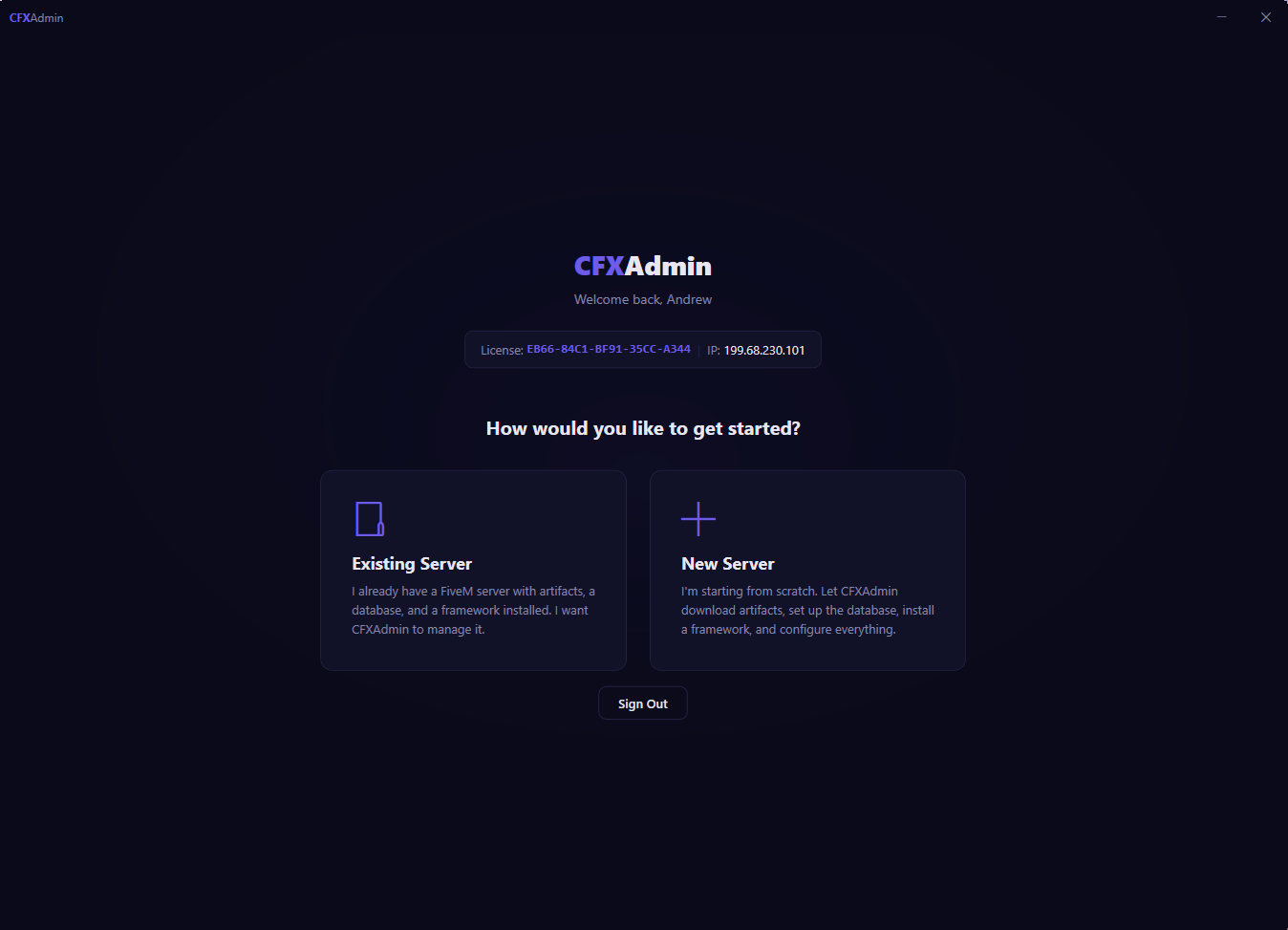
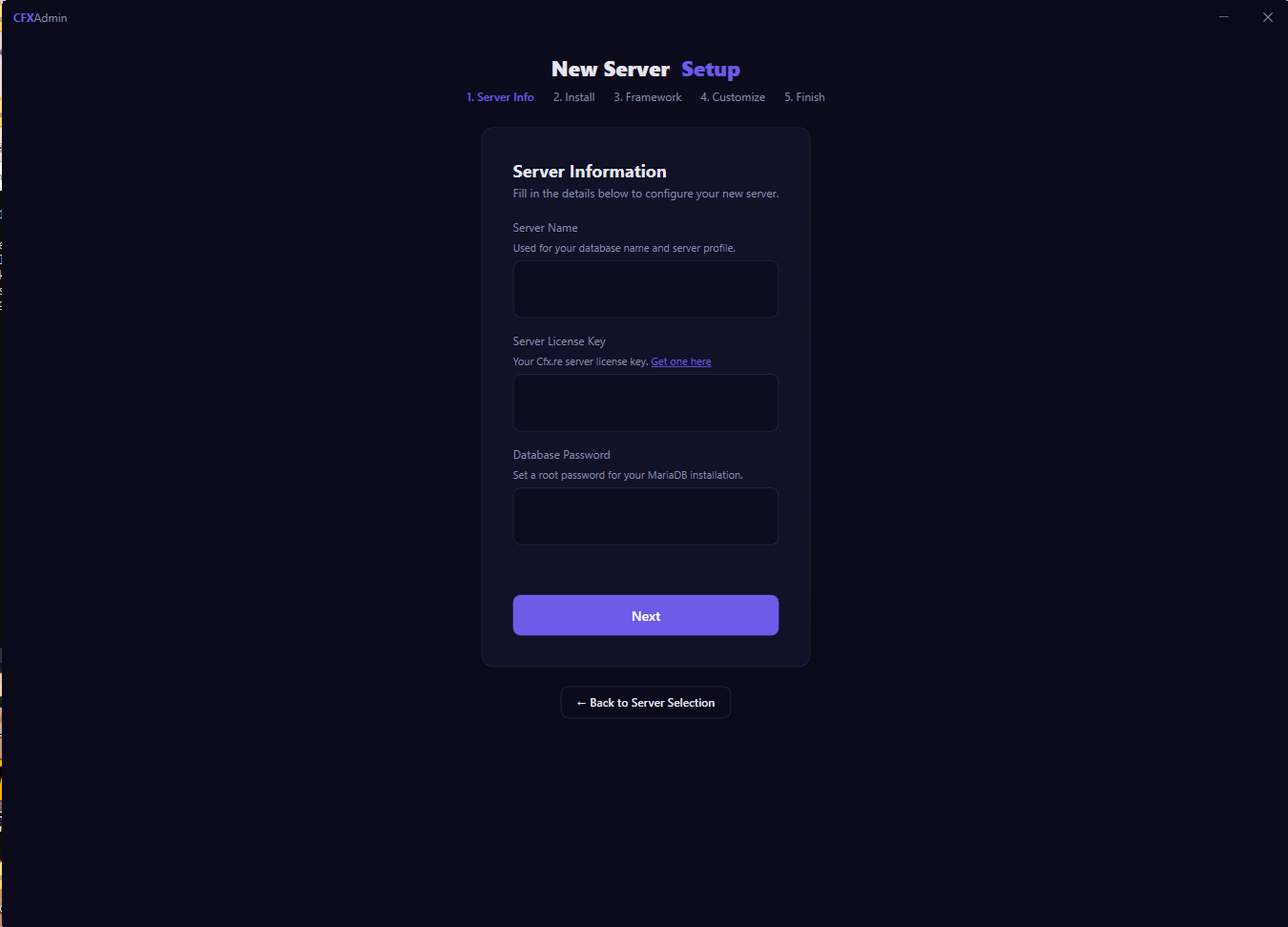
⚡ The only FiveM server tool you'll ever need

Run your server.
No developer needed.

CFXAdmin handles everything — framework setup, 143+* resource management, visual config editing, automatic MLO conflict resolution, database backups, vehicle management, and more. One app. Zero headaches.

CFXAdmin Dashboard — server status, quick actions, and MySQL monitoring

Managing a FiveM server shouldn't be this painful.

Most server owners spend hours fighting problems CFXAdmin solves in seconds.

📁

MLO conflicts crashing your server

Duplicate .ymap and .ybn files across your MLO packs silently break your map. Tracking them down means manually comparing hundreds of files across dozens of folders.

✔ CFXAdmin scans all MLOs and auto-resolves every conflict in one click.
📝

Editing Lua config files by hand

Every resource means another config.lua to understand, edit, and test. One wrong bracket and nothing loads. One wrong value and players are confused why something's broken.

✔ CFXAdmin's visual editor handles config changes with no file editing ever.
💥

No backup when something goes wrong

A bad SQL migration, a wrong DELETE, a corrupted restore — and hours or days of player data vanishes with no way to get it back. This happens more than people admit.

✔ Automatic hourly, daily, and weekly backups restore in one click.
Resource Management

143+* resources. Manage, configure, and update everything from one place.

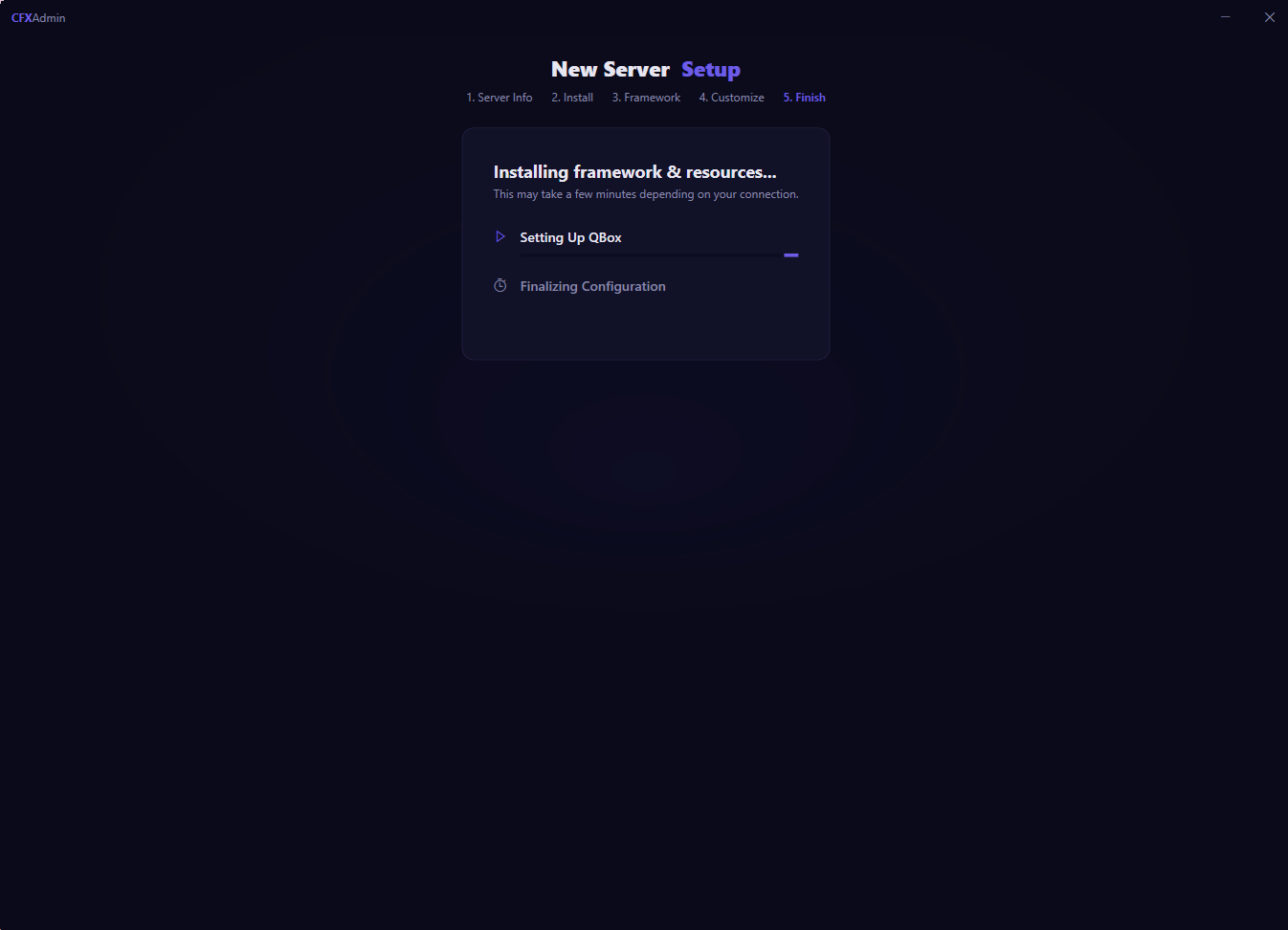
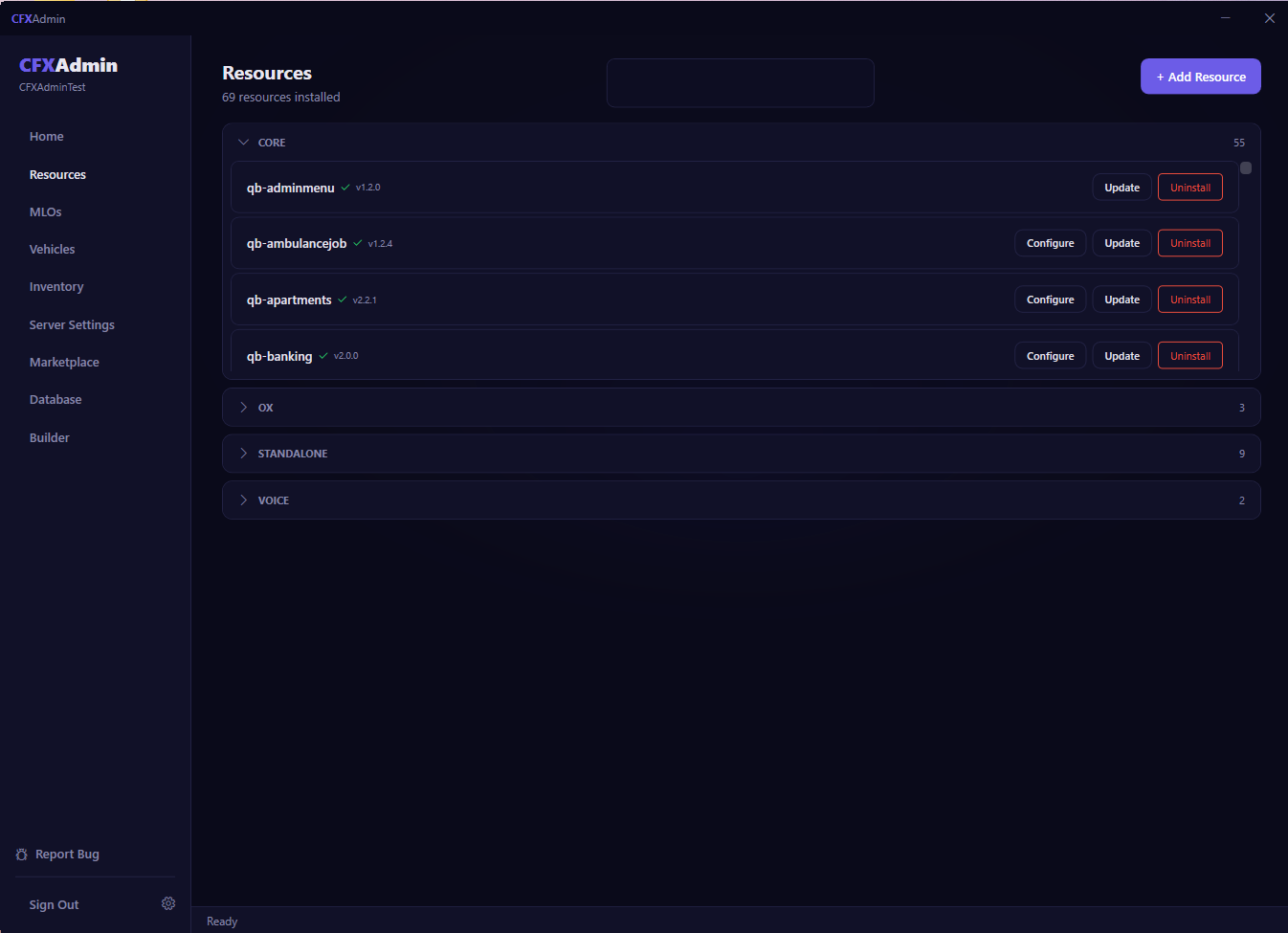
Once you've got your resources, CFXAdmin takes over. Every installed resource is organised in one panel — grouped by category, with version tracking, visual configuration, and one-click updates. No more digging through server folders, editing server.cfg by hand, or losing track of what you've installed.

  • Install, update, or uninstall any resource with a single click
  • Organised by category — Core, OX, Standalone, Voice, and more
  • Track installed versions and update to the latest in one click
  • Conflict detection flags incompatible resource combinations before they cause problems
Get Started
CFXAdmin Resource Manager showing 69 installed resources with Configure, Update, Uninstall actions
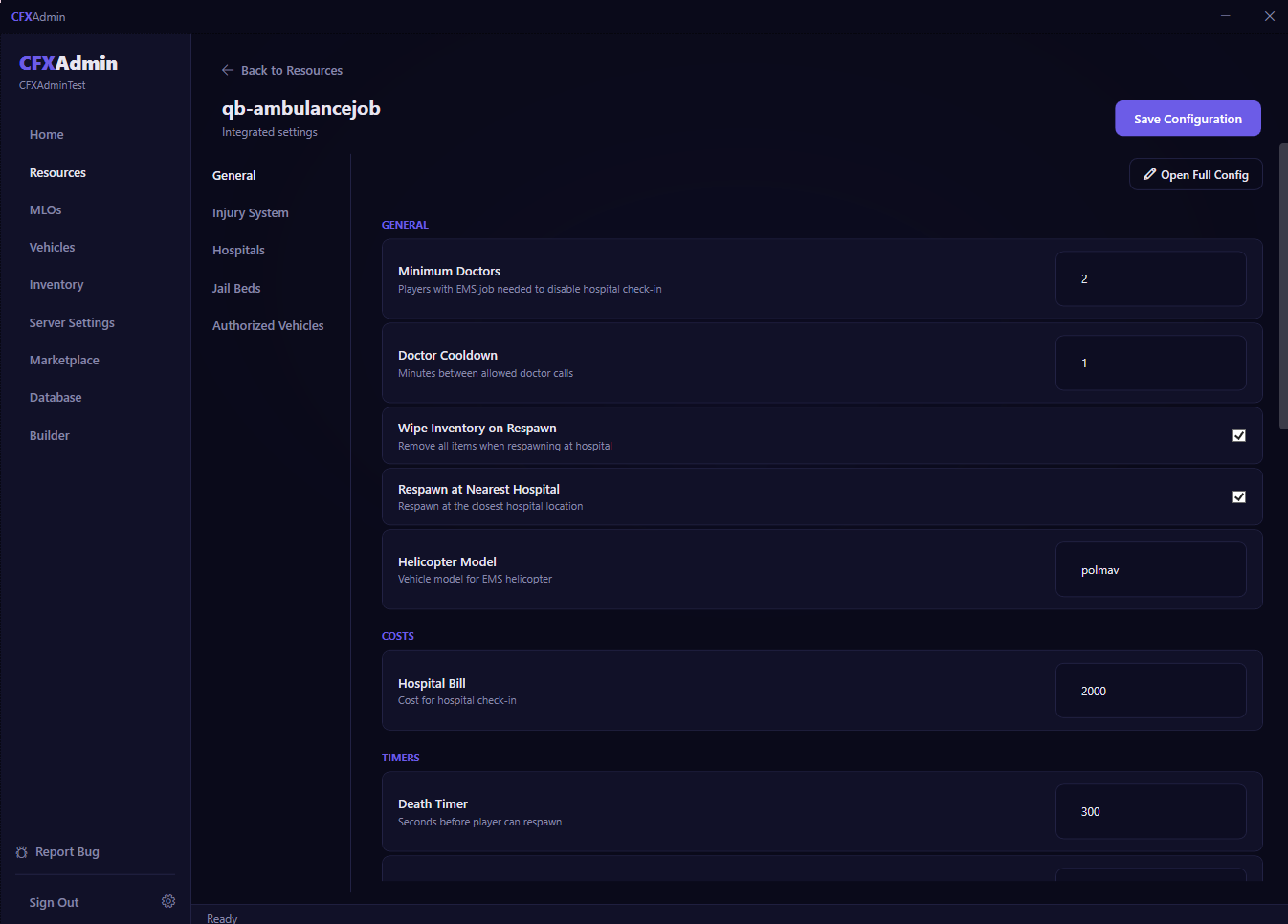
CFXAdmin Visual Config Editor showing categorized resource settings with inputs, toggles, and section tabs
Visual Config Editor

Configure any supported* resource visually. No Lua. No syntax errors. Ever.

Every configurable option for every natively supported resource is surfaced in a clean, categorised UI — broken into logical sections so you always know what you're changing. Toggle features, adjust values, tweak settings — then save directly to your server. No config files, no brackets, no broken servers.

  • Settings organised into tabbed sections (General, Economy, Players, Timers, and more)
  • Checkboxes, number inputs, dropdowns, and text fields — not raw Lua
  • Save configuration directly to your server from inside the app
  • Open the raw config file for advanced access whenever you need it
Get Started
MLO Management

MLO conflicts resolved automatically. No file hunting required.

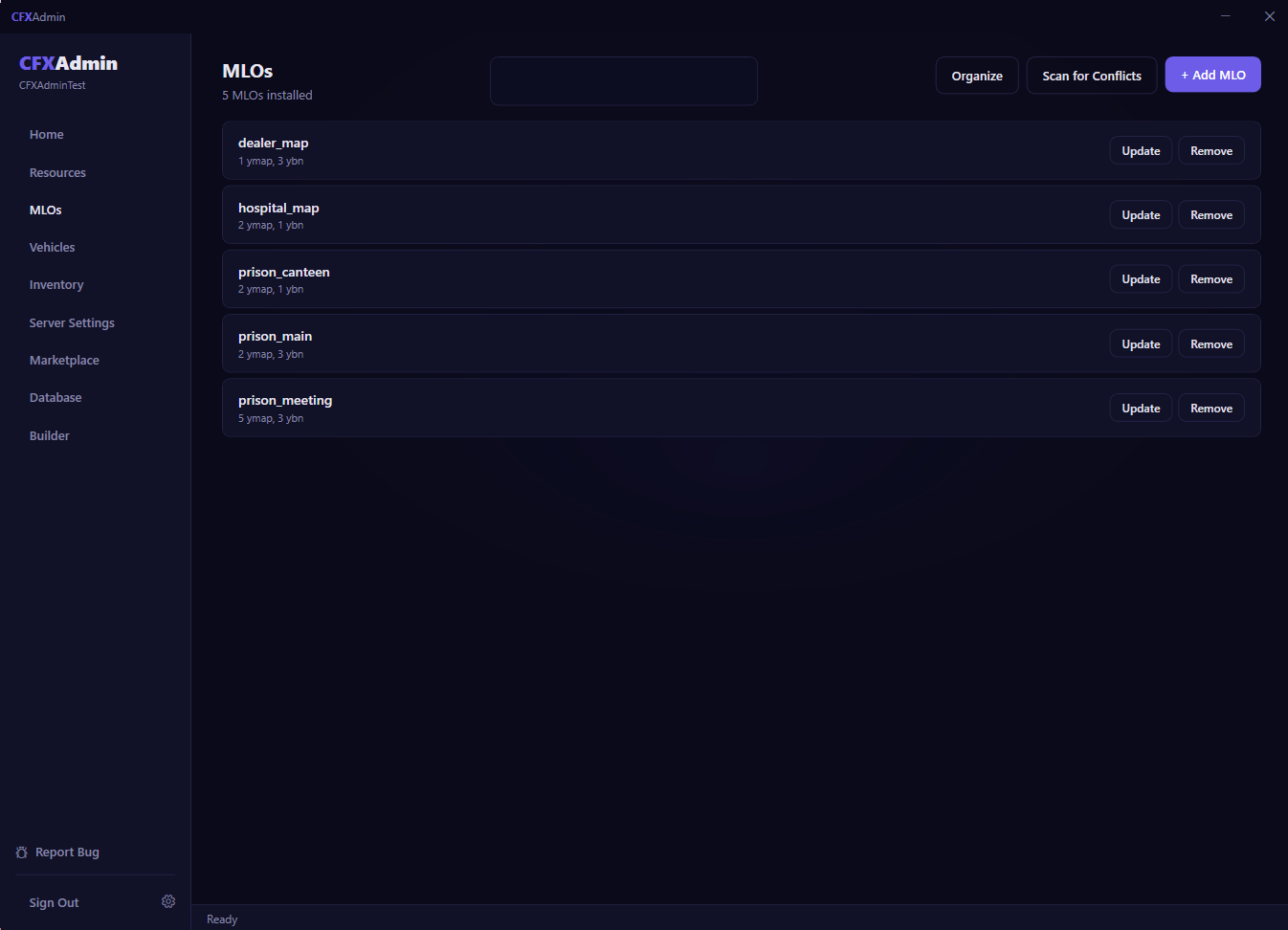
Every custom map mod you install risks conflicting with another. Duplicate .ymap and .ybn files cause invisible crashes and broken interiors that are nearly impossible to diagnose manually. CFXAdmin scans every installed MLO, pinpoints every conflict, and resolves them — automatically.

  • Scan all installed MLOs for file conflicts with a single button click
  • Automatic master merge eliminates conflicts without touching files manually
  • Organize and view your full MLO library — ymaps, ybns, and more
  • Add, update, or remove MLOs without ever opening your server folder
Get Started
CFXAdmin MLO Manager showing installed MLOs with Scan for Conflicts and Organize buttons

Everything your server needs. Nothing it doesn't.

From first install to daily management — CFXAdmin handles the hard work so you can focus on running a great server.

View Pricing Browse Marketplace
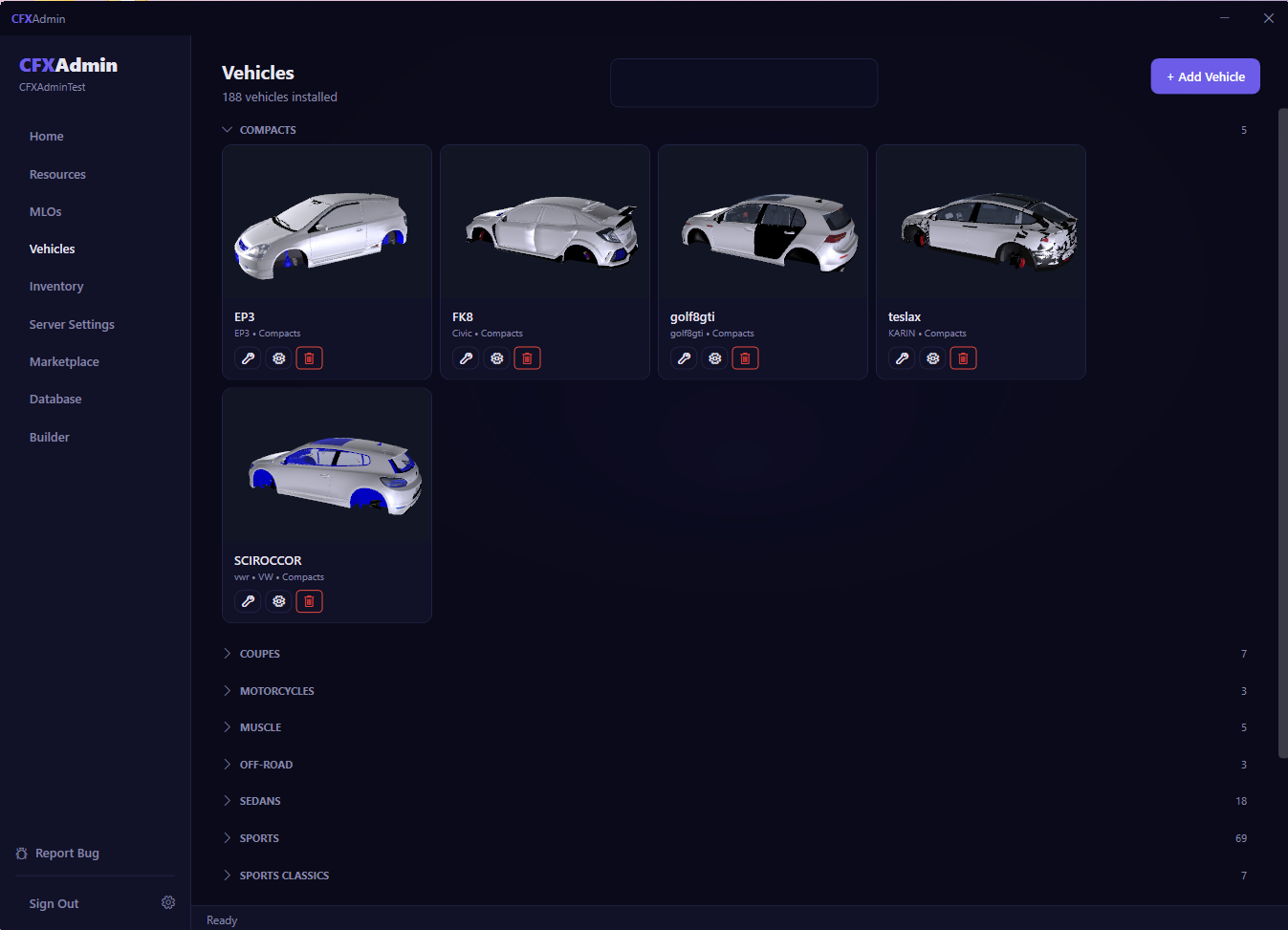
CFXAdmin Vehicle Manager showing 188 installed vehicles with 3D model previews grouped by category
Vehicle Management

Install vehicles, preview 3D models, manage everything in one place.

Adding custom cars used to mean manually copying folders, editing spawn code, and writing SQL. CFXAdmin gives you a full vehicle library with live 3D model previews, category grouping across Compacts, Sports, Muscle, Off-Road, and more — with one-click installs.

  • 3D model previews rendered live inside the app
  • Vehicles categorised by type — 188 vehicles across 8+ categories
  • Edit handling data and vehicle properties from the app
  • Automatic format conversion for cross-framework compatibility
Get Started
Inventory System

Full inventory management. Items, weapons, shops, crafting — all built in.

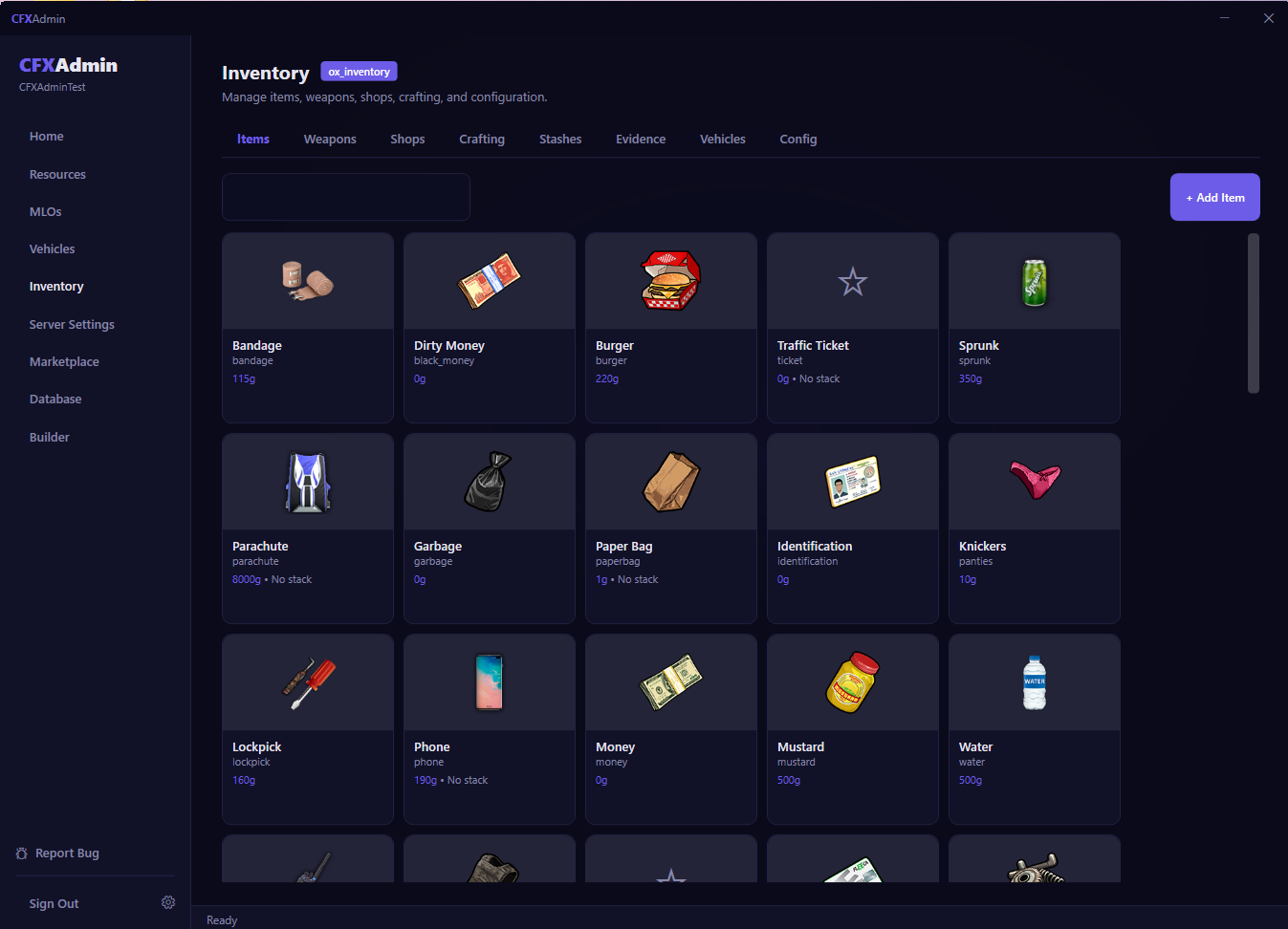
Native support for ox_inventory, QBCore Inventory, and QS Inventory means you can manage every item, weapon, shop, stash, and crafting recipe directly from CFXAdmin — without writing SQL queries or editing inventory config files. Your entire economy, managed visually.

  • Browse and manage your entire item registry with item icons
  • Configure shops, crafting recipes, and stash locations visually
  • Manage weapons, evidence lockers, and vehicle inventories
  • Full Config tab for advanced inventory system settings
Get Started
CFXAdmin Inventory Manager with ox_inventory item grid showing items, weapons, shops, crafting tabs
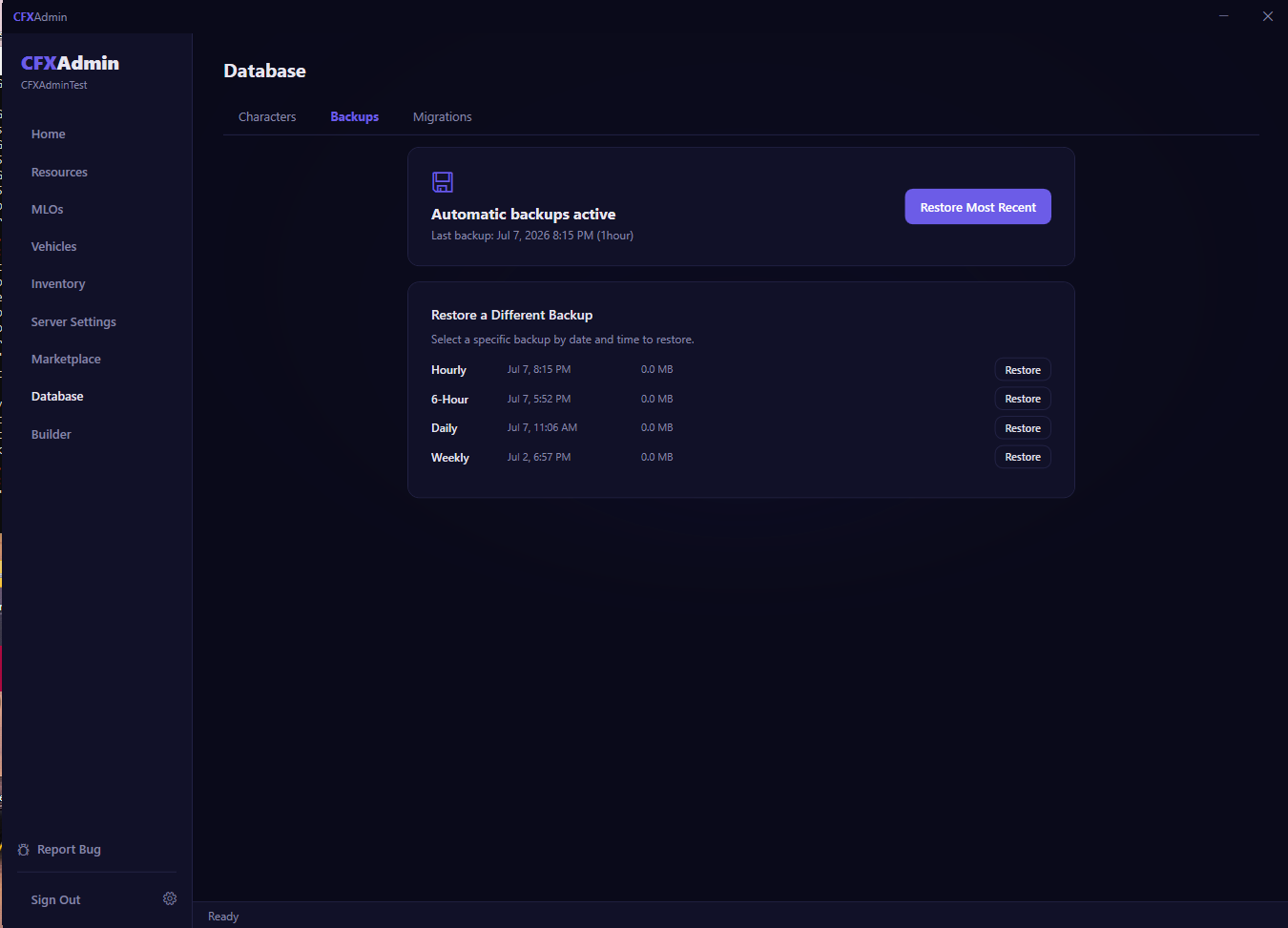
CFXAdmin Database Backups showing automatic backups active with hourly, 6-hour, daily, and weekly restore points
Database Backups

Automatic backups. Sleep without worrying about your player data.

A bad migration, a wrong DELETE query, or a botched restore can wipe out days of player progress in seconds. CFXAdmin runs scheduled backups automatically — hourly, 6-hour, daily, and weekly — and lets you restore any point-in-time backup instantly.

  • Automatic backups on hourly, 6-hour, daily, and weekly schedules
  • Restore any specific backup point with a single click
  • View backup timestamps and file sizes at a glance
  • Never lose player data to a bad update, migration, or accident again
Get Started
Resource Marketplace

Discover and install community resources without leaving the app.

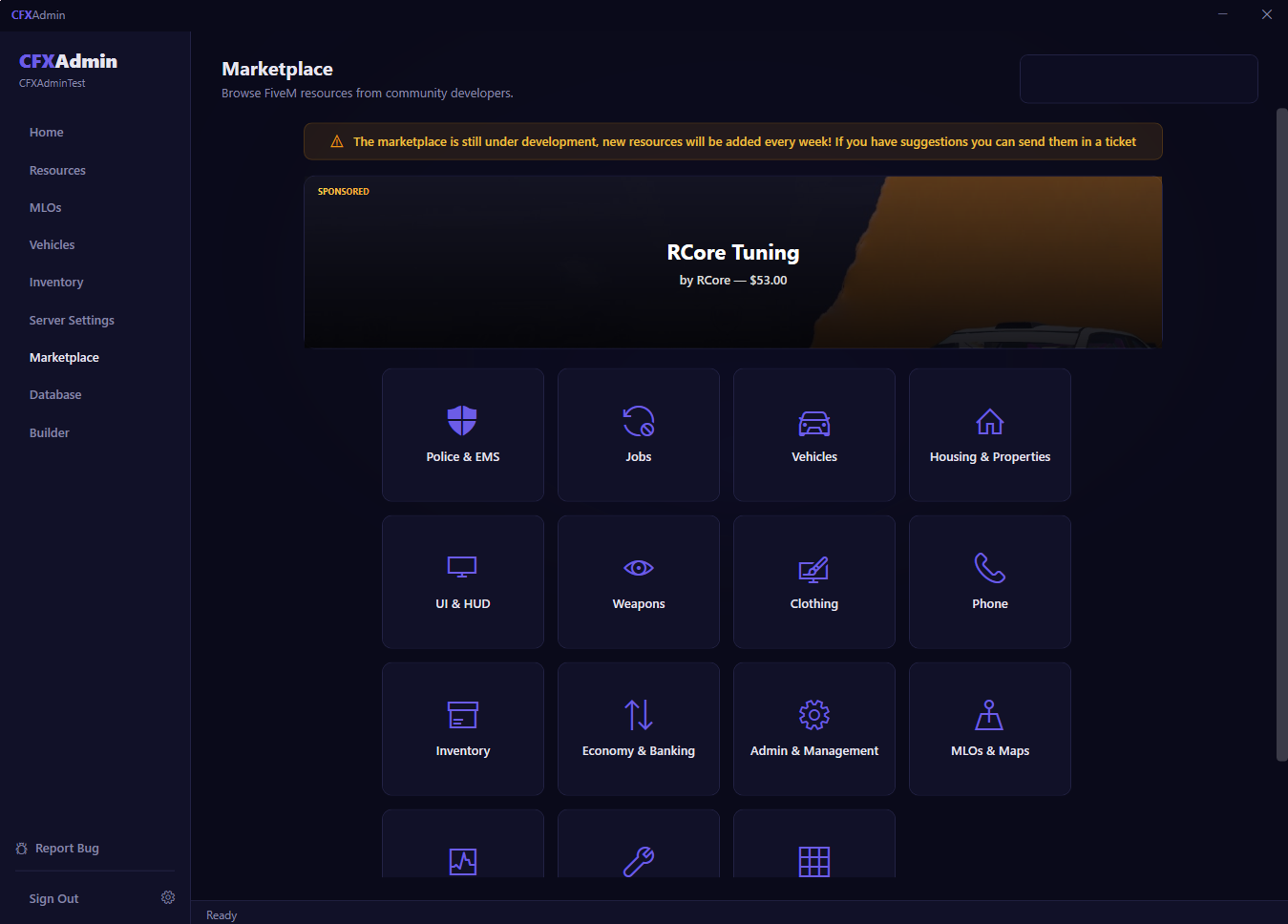
The CFXAdmin Marketplace is the built-in hub for finding FiveM community resources. Browse 12+ categories — Police & EMS, Jobs, Housing & Properties, Vehicles, UI & HUD, Economy & Banking, and more — all without opening a browser tab.

  • Curated resources across 12+ categories from top community developers
  • Free GitHub resources install directly to your server with one click
  • Paid resources can be purchased, downloaded, and installed through CFXAdmin
  • Featured and sponsored listings updated weekly with new content
Browse Marketplace
CFXAdmin Marketplace showing category grid including Police & EMS, Jobs, Vehicles, Housing, UI & HUD
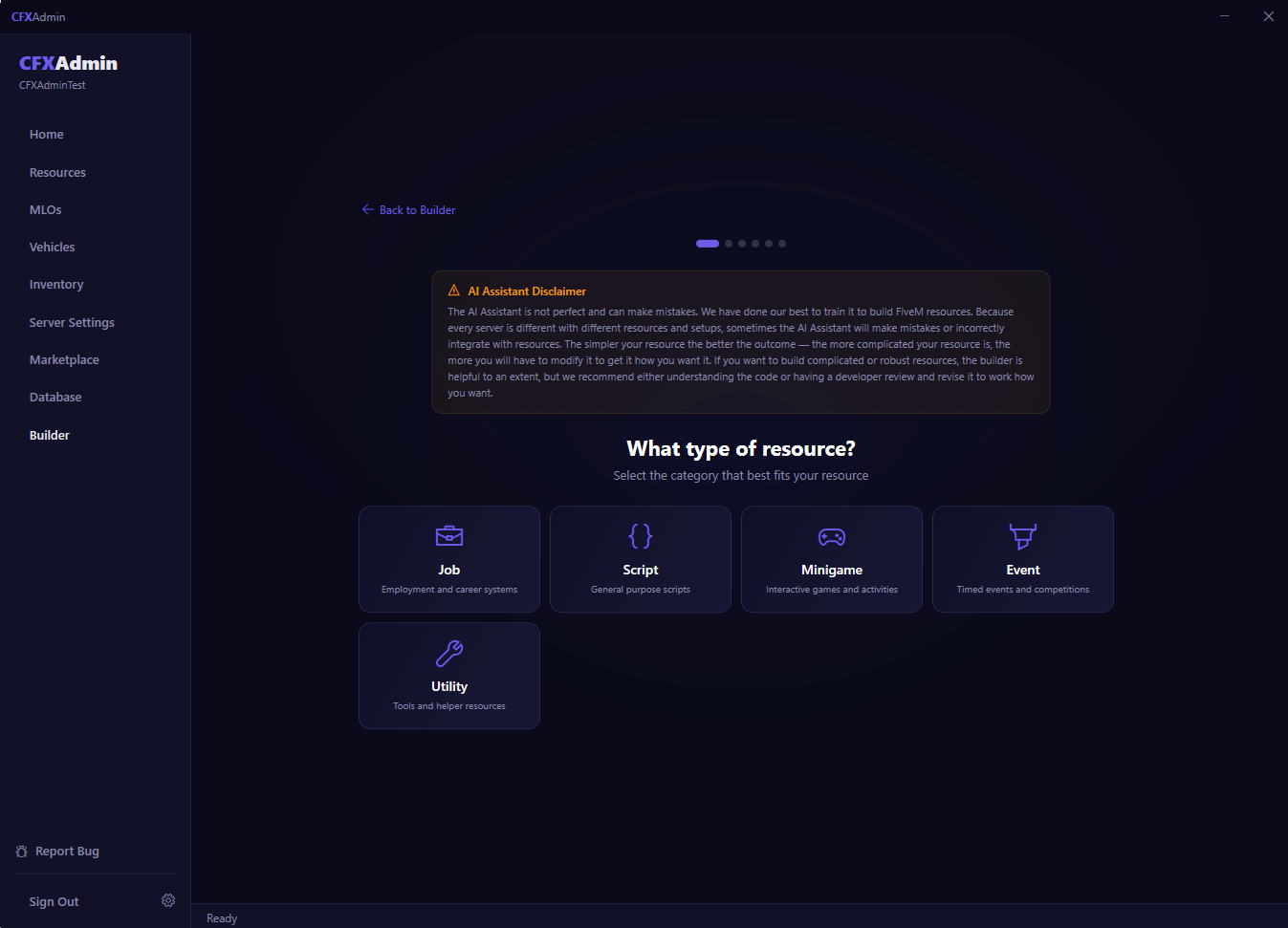
CFXAdmin Builder AI showing resource type selection — Job, Script, Minigame, Event, Utility
AI Resource Builder Builder+

Describe it in plain English. CFXAdmin builds it.

CFXAdmin Builder is an AI-powered resource generator built directly into the app. Describe what you want — a custom job script, a minigame, a timed event — and Builder writes the full Lua code, framework-aware and ready to install. No developer needed, no waiting, no paying per script.

  • Generate complete FiveM resources from plain English descriptions
  • Framework-aware output — choose ESX, QBCore, or QBox
  • Job scripts, minigames, events, utility tools, and more
  • Revise and iterate on generated code until it's exactly what you need
  • Download and install generated resources directly to your server
Get Builder+
143+*
Natively Supported Resources
3
Major Frameworks Supported
0
Config Files to Edit by Hand
1
App to Run Everything

Works with the tools you already use

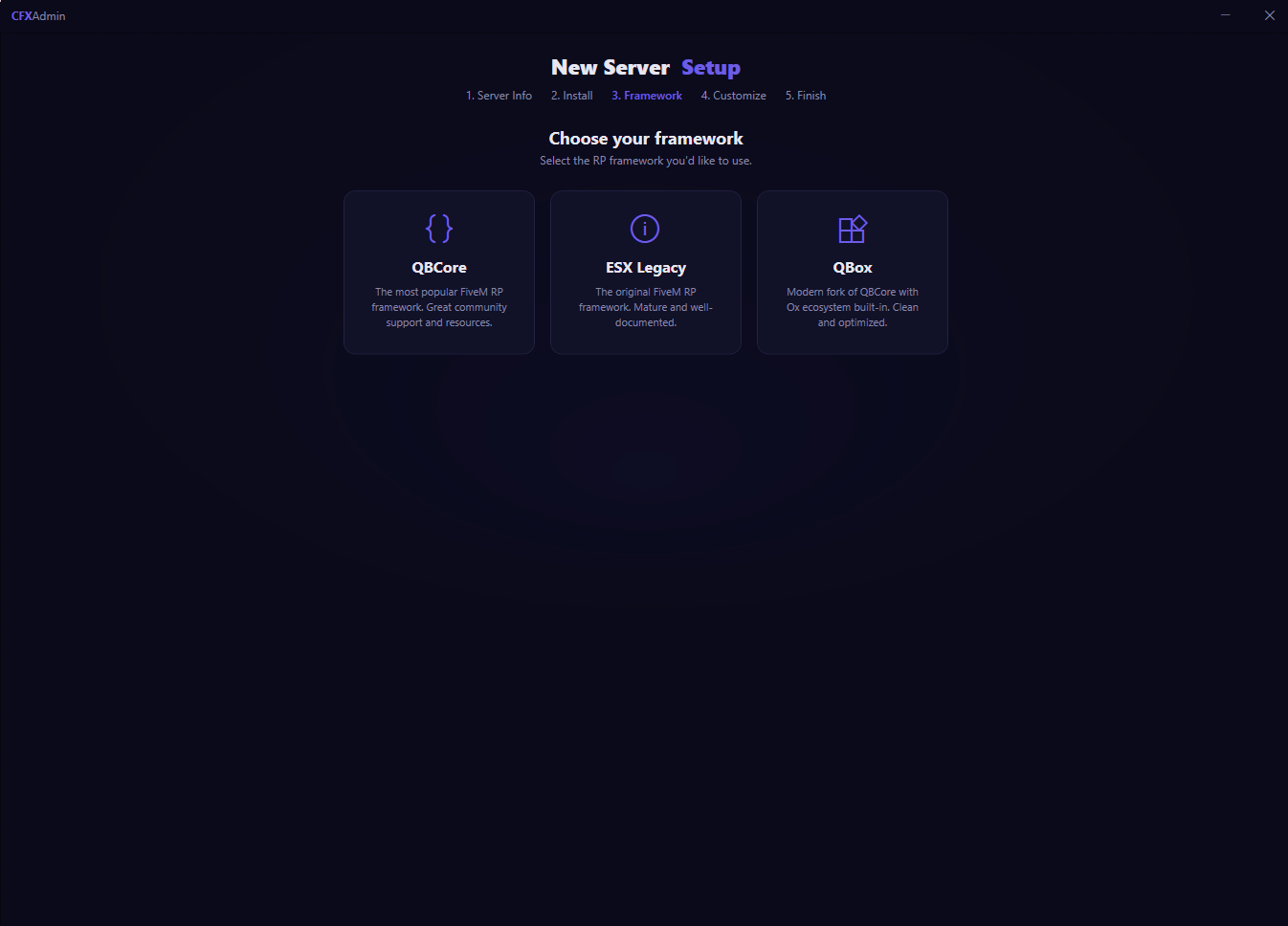
CFXAdmin integrates natively with the most popular FiveM frameworks, inventory systems, and utilities.

ESX Legacy QBCore QBox txAdmin ox_lib ox_inventory QS Inventory OxMySQL pma-voice MariaDB / MySQL

* What does "natively supported" mean?
Natively supported resources are resources fully integrated into CFXAdmin — they come with a built-in visual config editor, automatic dependency handling, and version tracking. Any resource can be installed and managed through CFXAdmin, but resources that aren't natively supported may require manual config file editing. CFXAdmin is continuously updated and new supported resources are added with every release.

Your server is waiting.

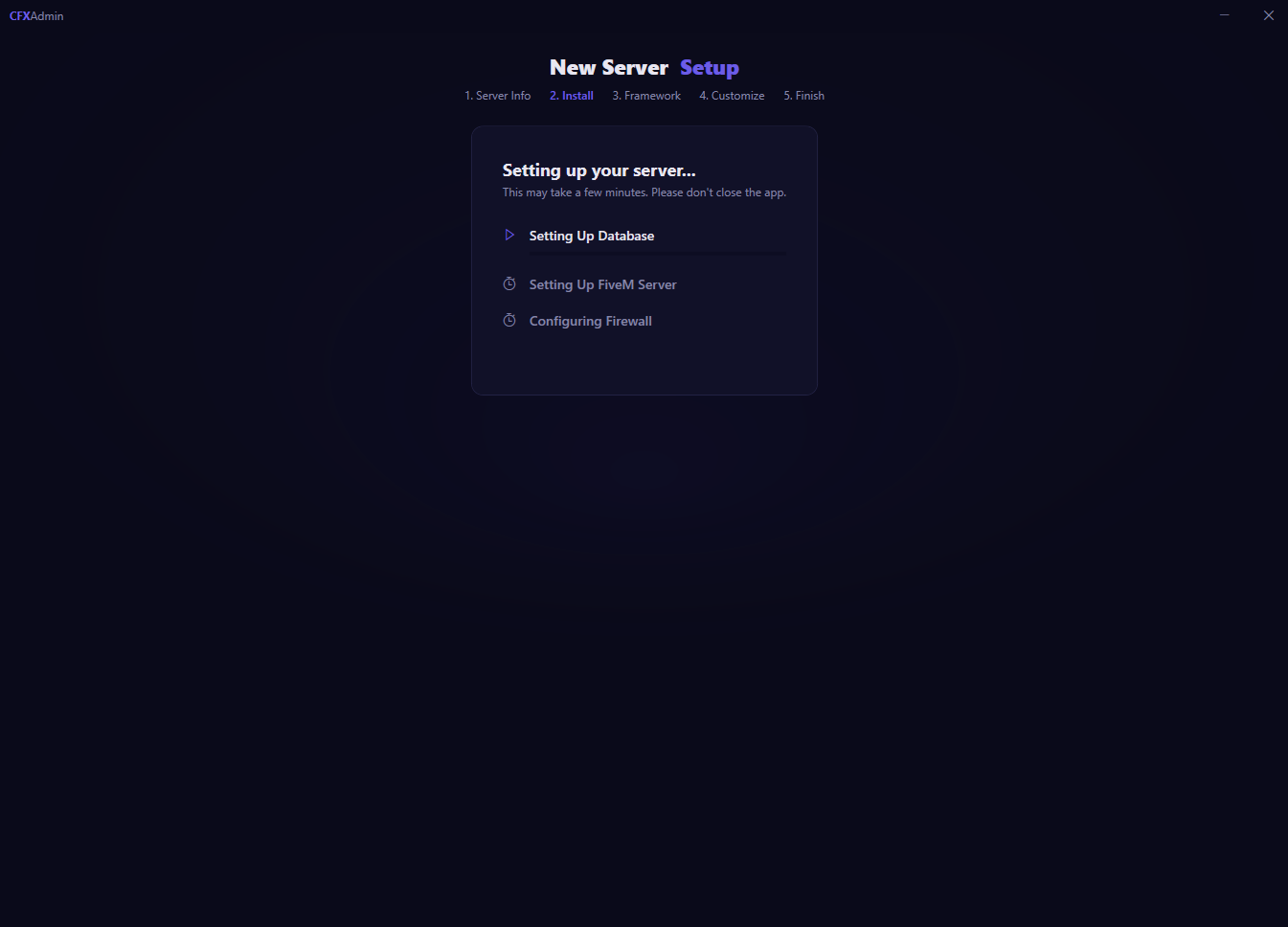
Get CFXAdmin and have your FiveM server set up, configured, and running in under 10 minutes — no developer, no config headaches, no wasted hours.

Get Started Now Browse the Marketplace